Photos
Attaching photos to assets in batapp.
Photos
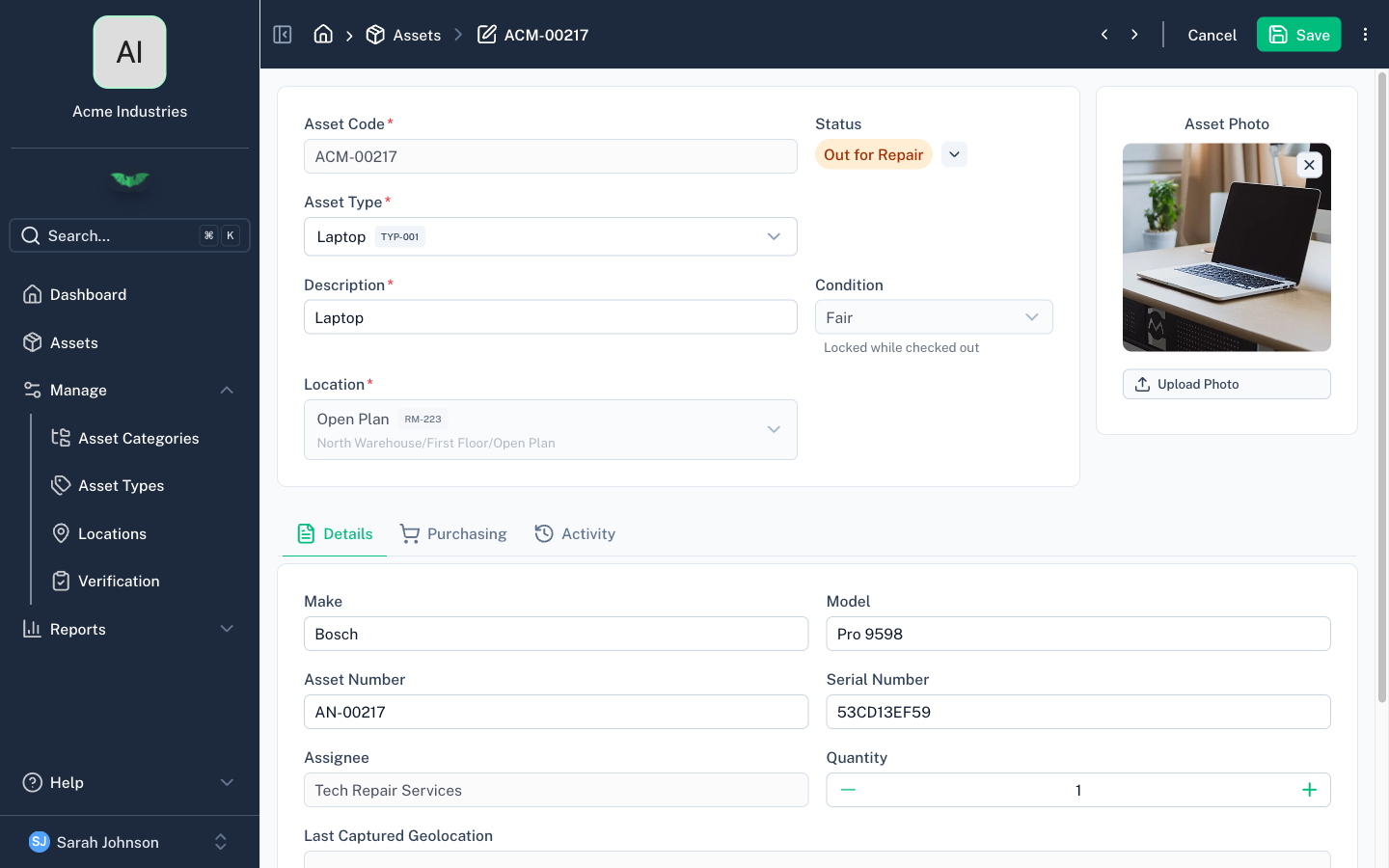
Each asset can have a photo attached. Photos are stored securely in the cloud and displayed on the asset detail view.
Taking or Uploading a Photo
On the asset detail screen, use the photo control to:
- Take a photo — Opens your device camera (mobile only)
- Upload a photo — Select an image file from your device
Photos are converted to an optimised format and uploaded automatically. If a photo already exists, uploading a new one replaces it.
Removing a Photo
Use the remove option on the photo control to delete the current photo.